Hi there!
Recently, I’ve deployed microbin, minimalistic opensource “pastebin”-like service, into my homelab to share temporal files/text between devices. It works quite well.
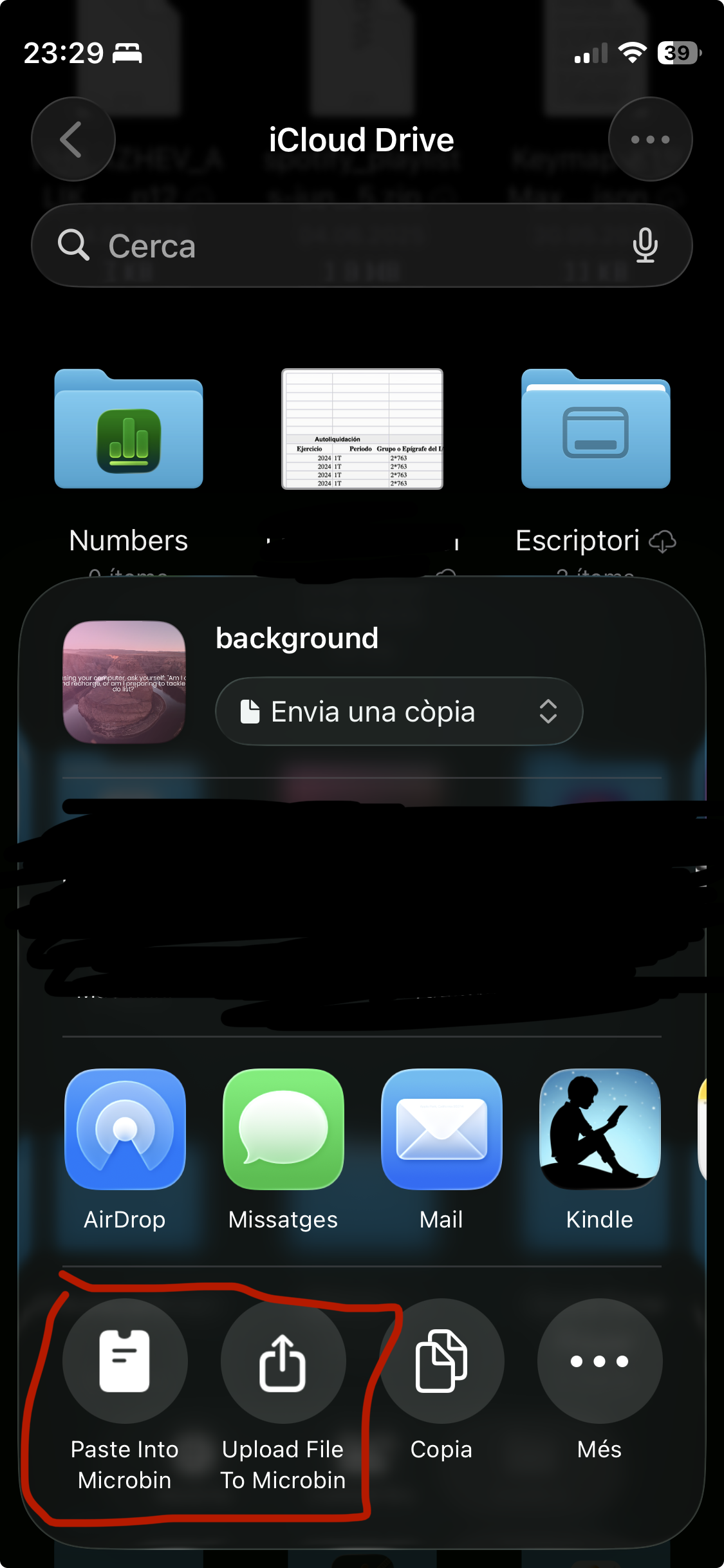
A few days ago, I started wondering: could I upload files or paste text into Microbin directly from the iOS Share menu?
The short answer is yes. It could be done using iOS’s builtin “Shortcuts”.
Use cases
I have two general cases of using microbin from my corporate iPhone to my personal devices:
- Share some text / link
- Share file(s)
For simplicity, I decided to create dedicated shortcuts for each use case.
Paste text into microbin
-
Open Shortcuts app and create new empty shortcut, rename it into “Paste into microbin”.
-
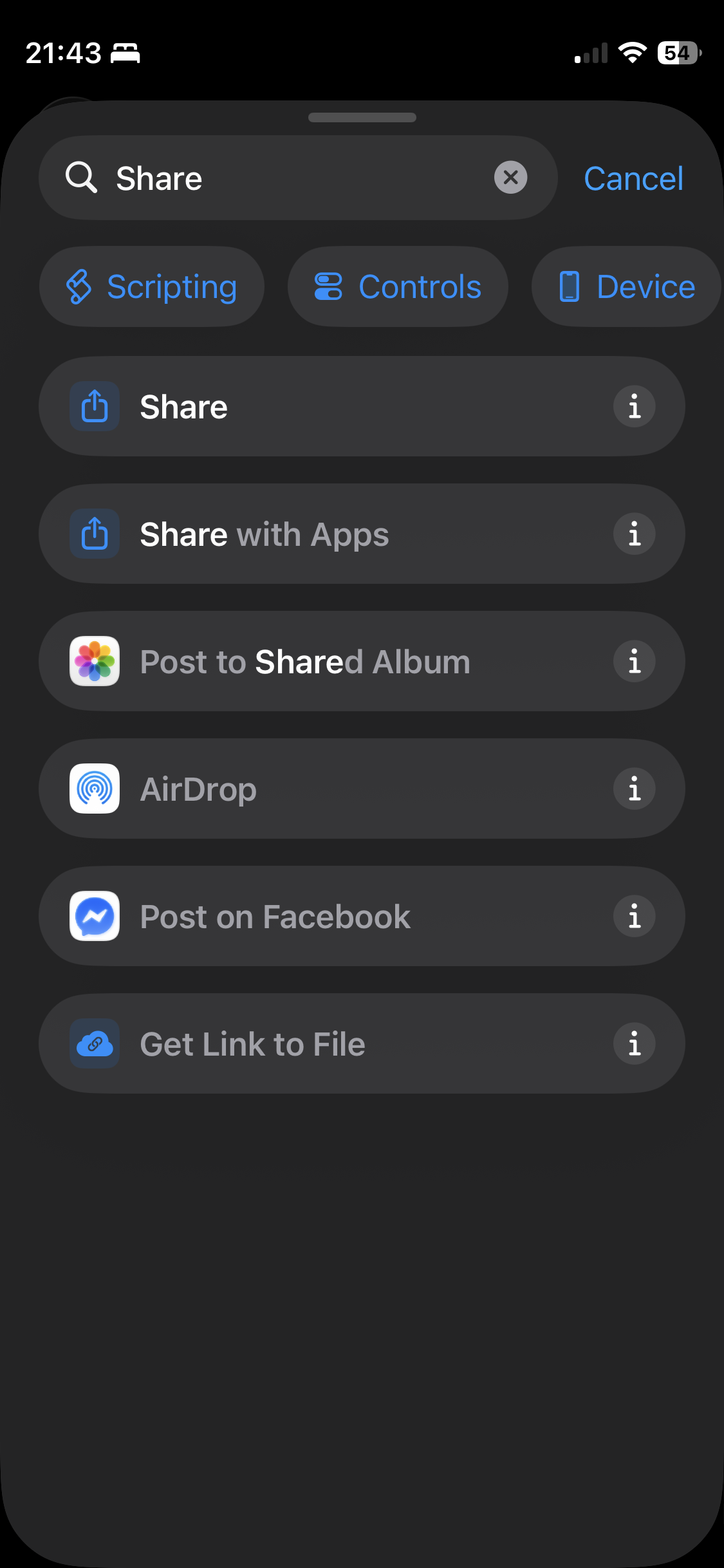
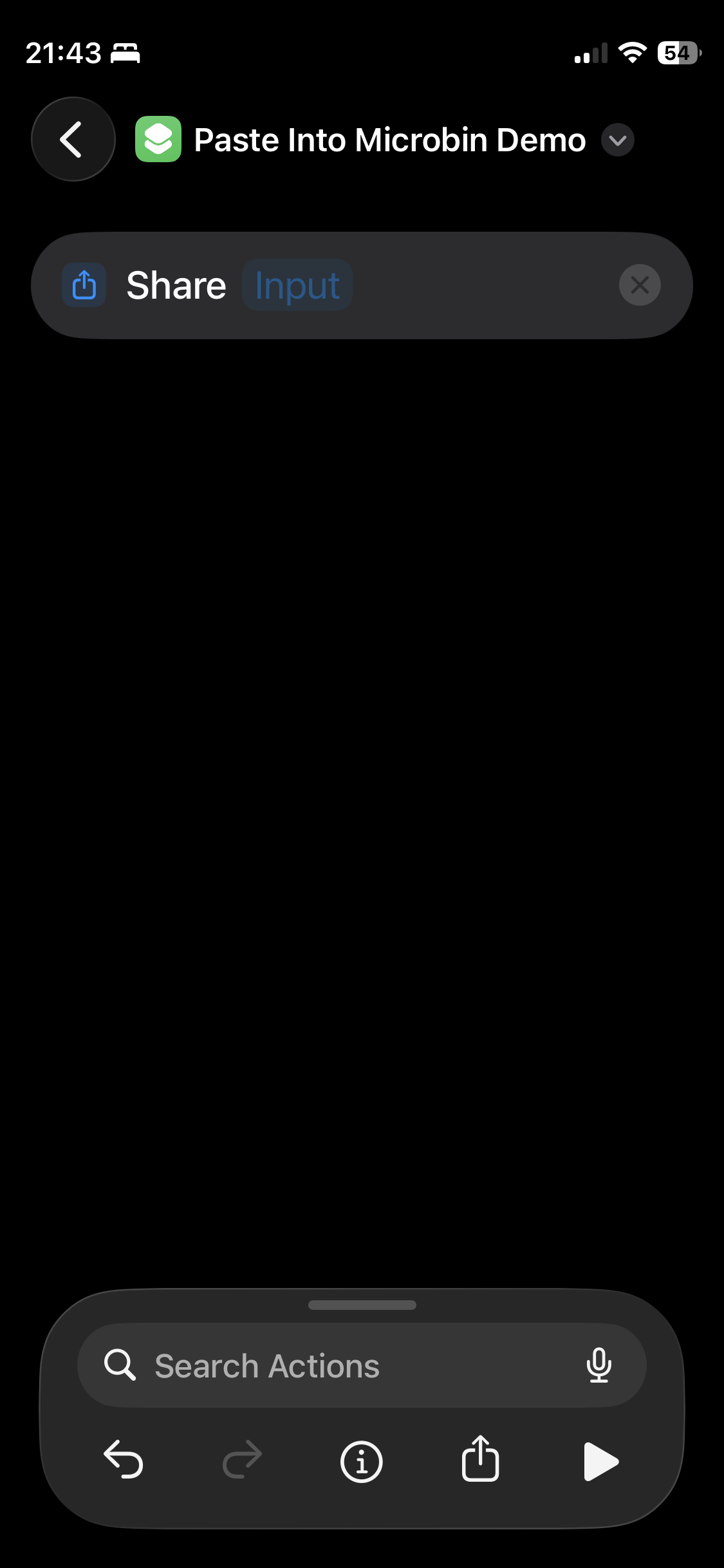
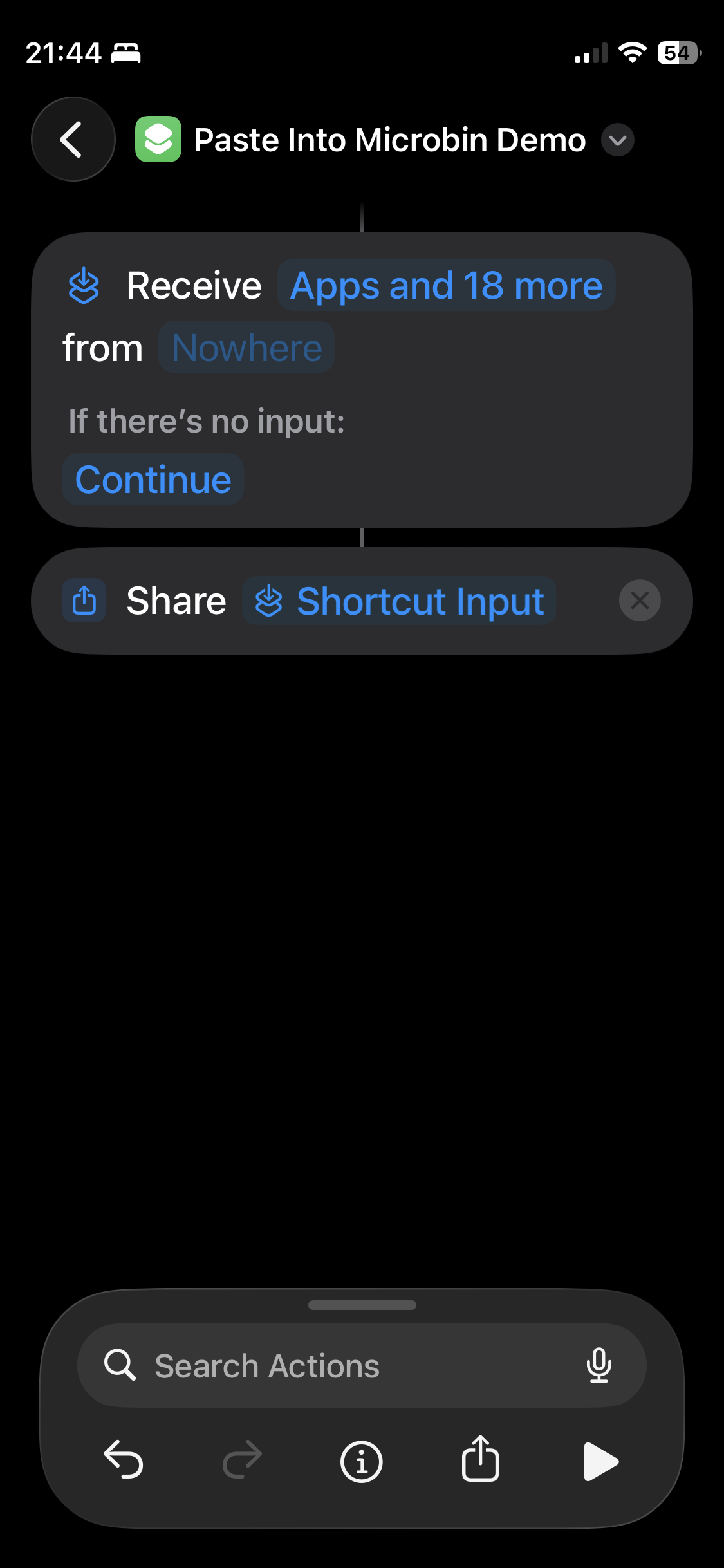
Add Share action, click at Input and select Shortcut Input. New Receive action will pop up.
-
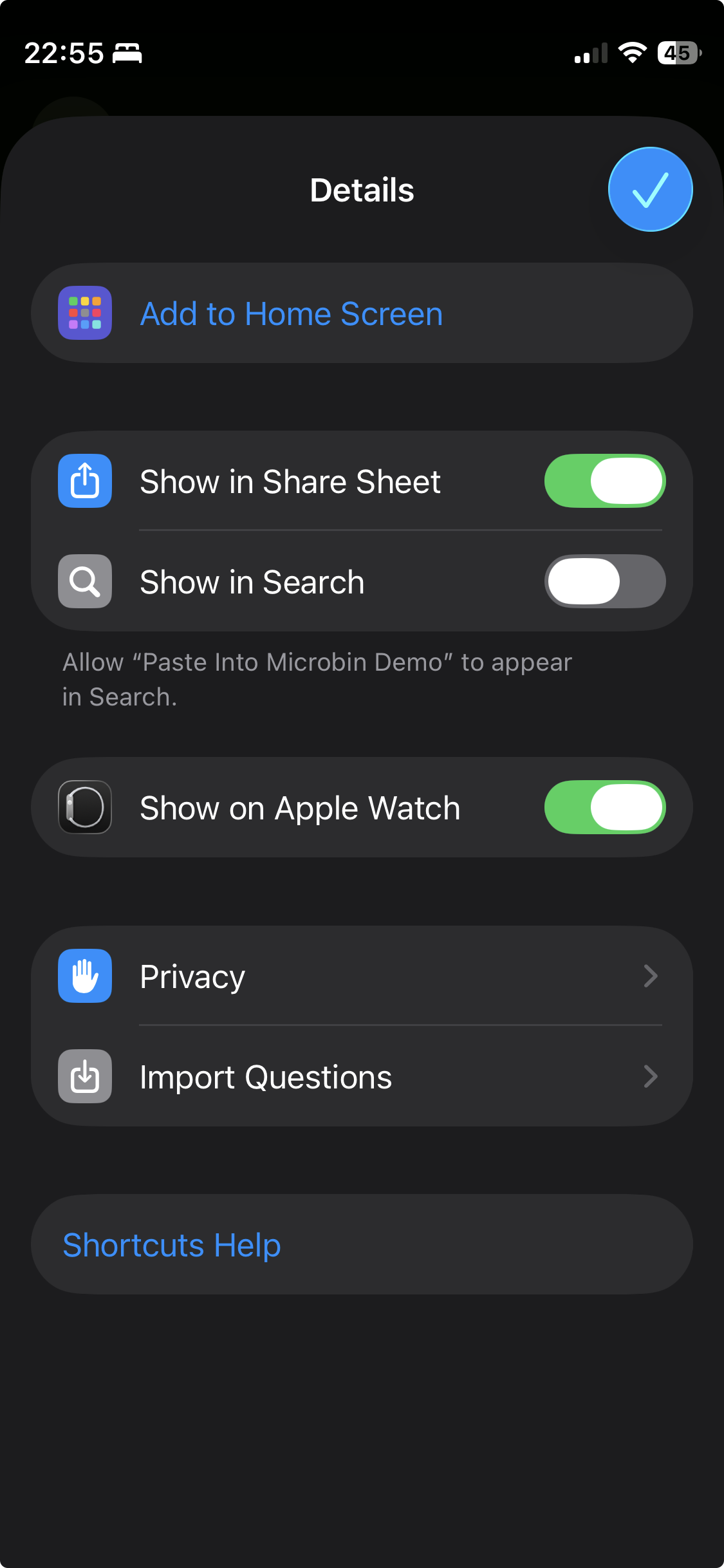
Click at Nowhere in Receive … from action, enable Show in Share Sheet toggle and disable Show in Search, click ✅ at the top right.
-
Next to the if there’s no input, click Continue and select Ask For and Text
-
Delete Share action, we don’t need it anymore.
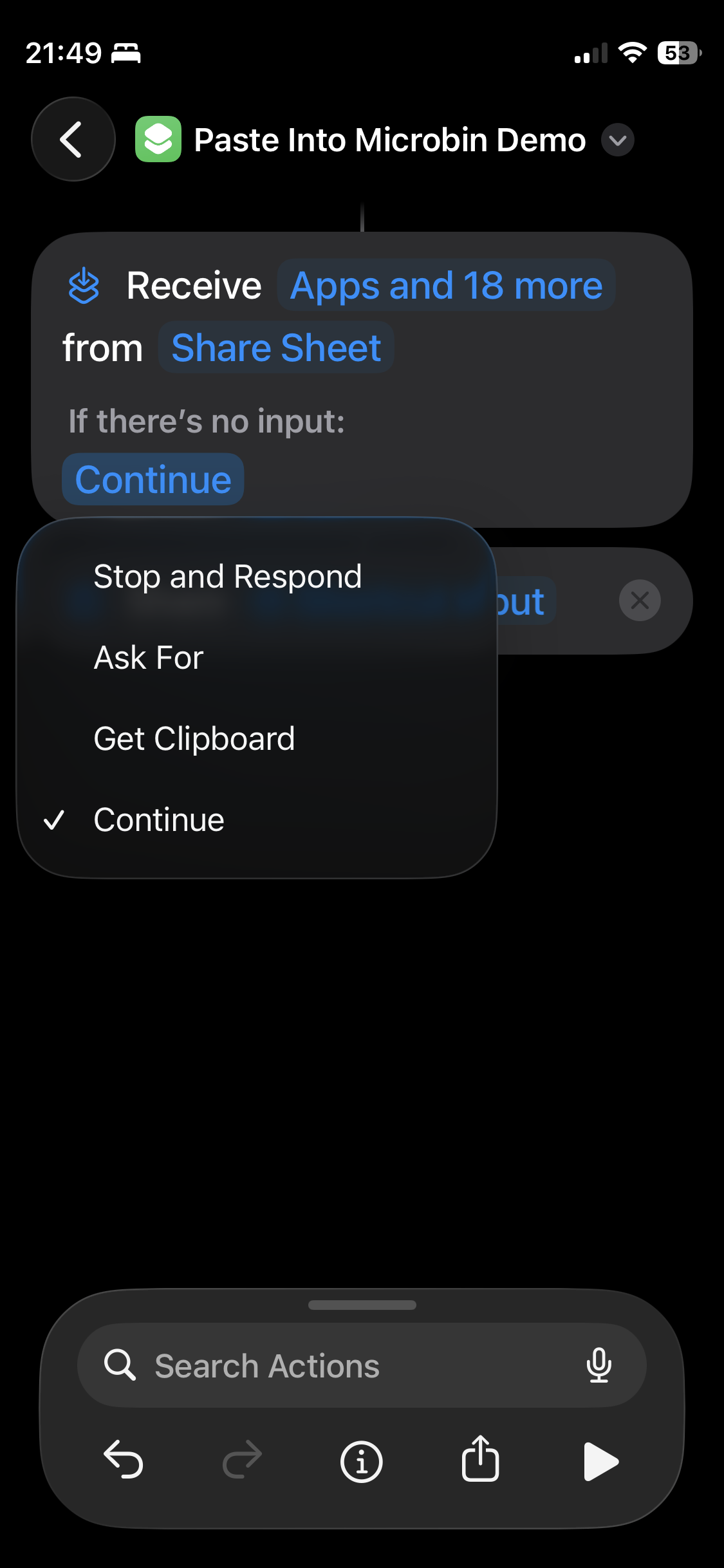
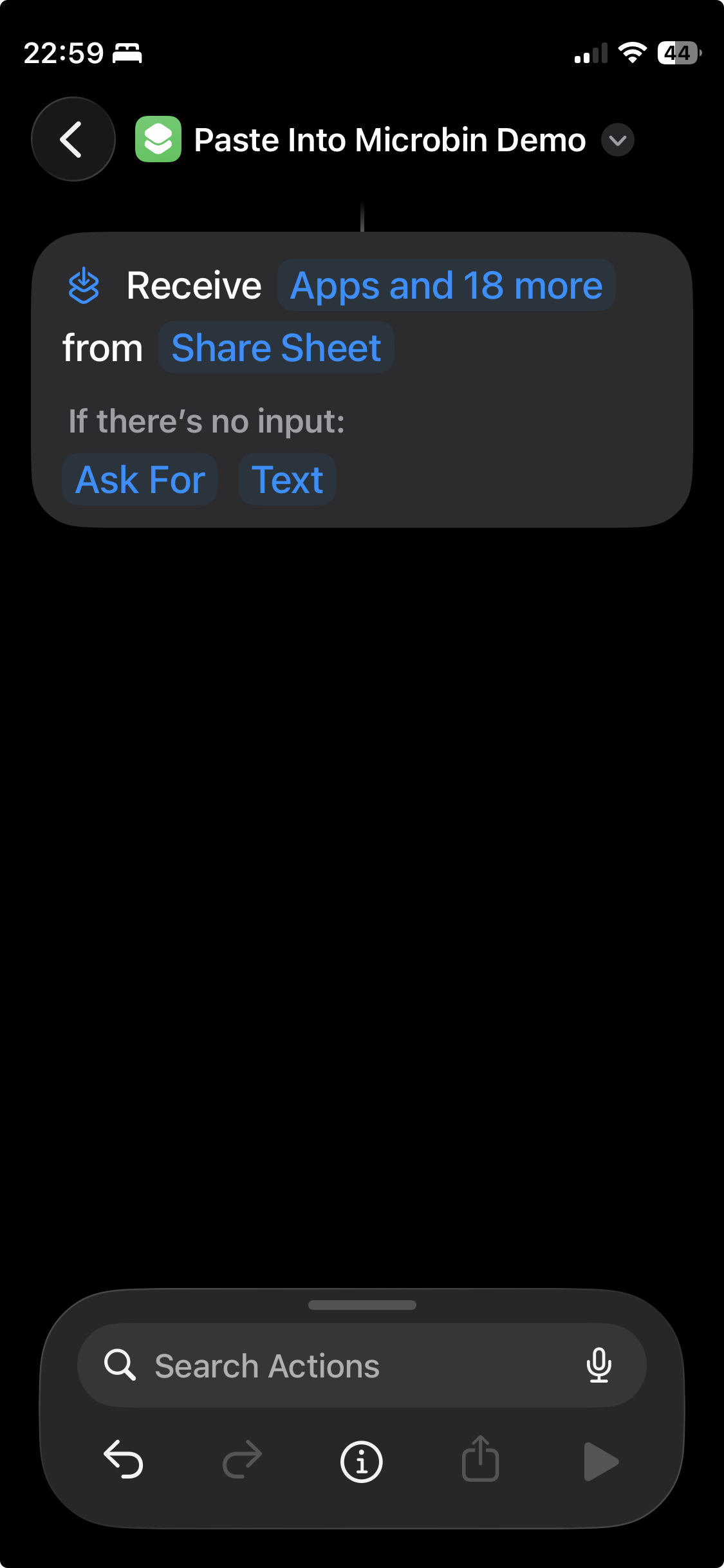
-
Add Get contents of URL action.
-
Put your microbin url into URL field. For example
https://pub.microbin.eu/upload -
Expand action configuration by clicking ▶︎ button, then:
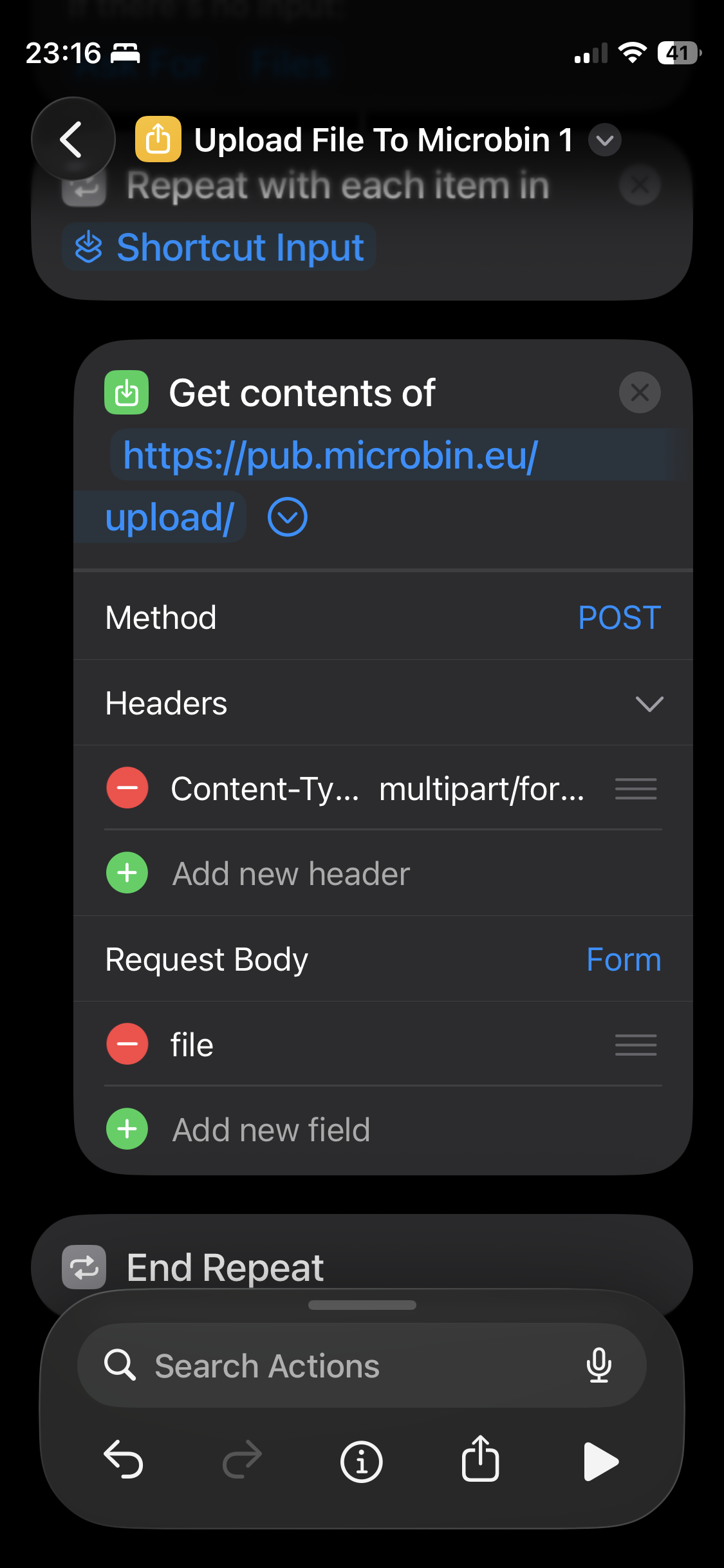
- Set Method as POST
- Add Content-Type header with value
multipart/form-data - Select Form as Request Body type
- Add content field as File type (important!) and select Shortcut Input as value.
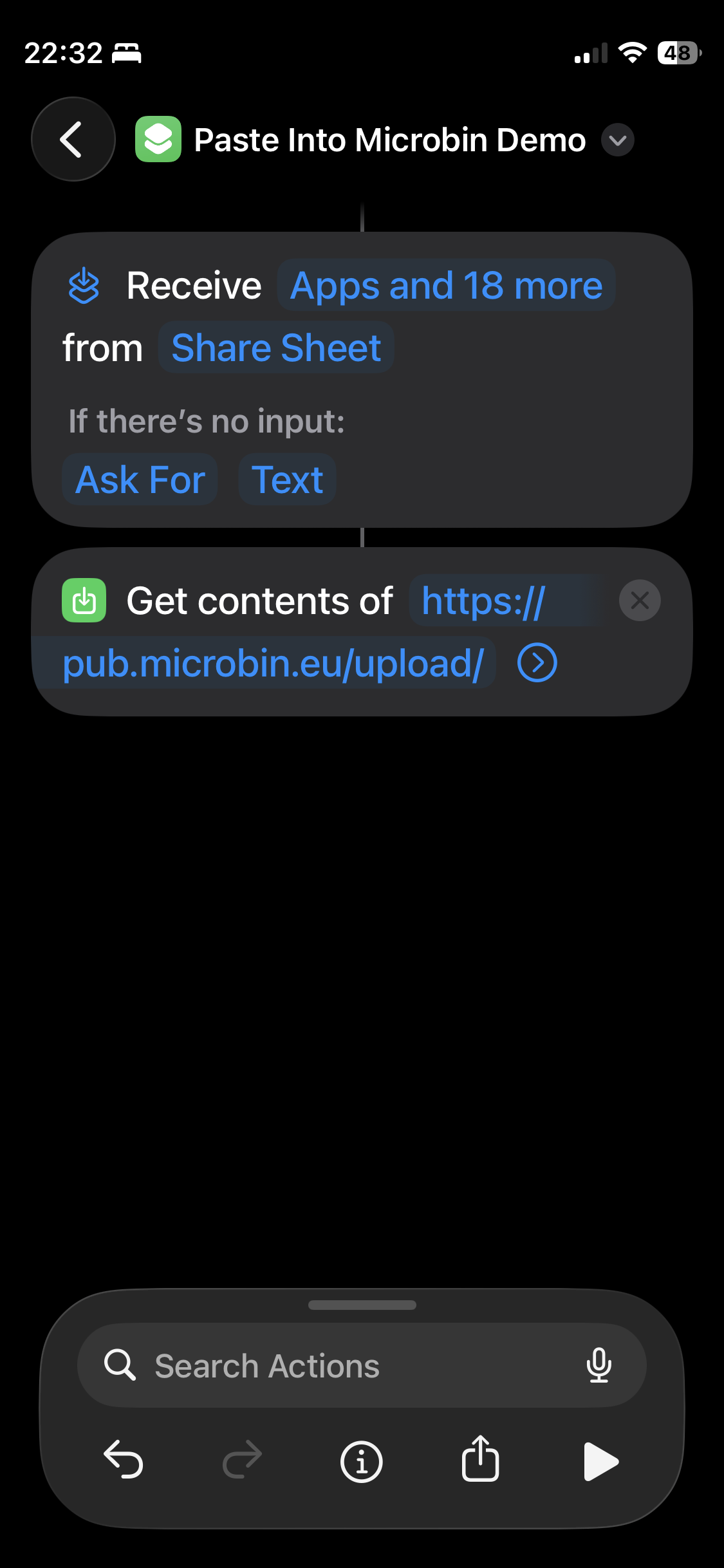
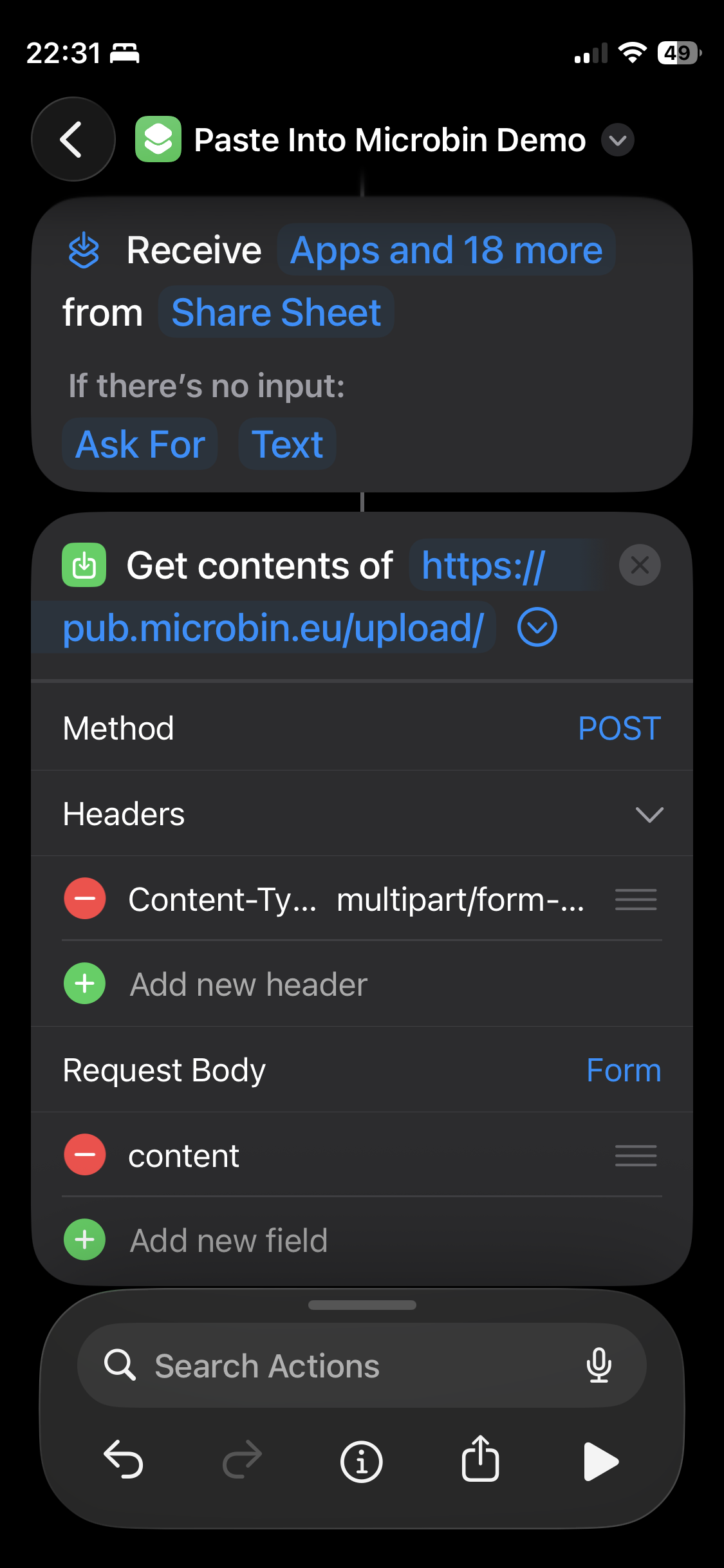
-
That’s all. Test it by clicking ▶︎ Play button in the bottom menu. If you did everything correctly you’ll see preview with the link.
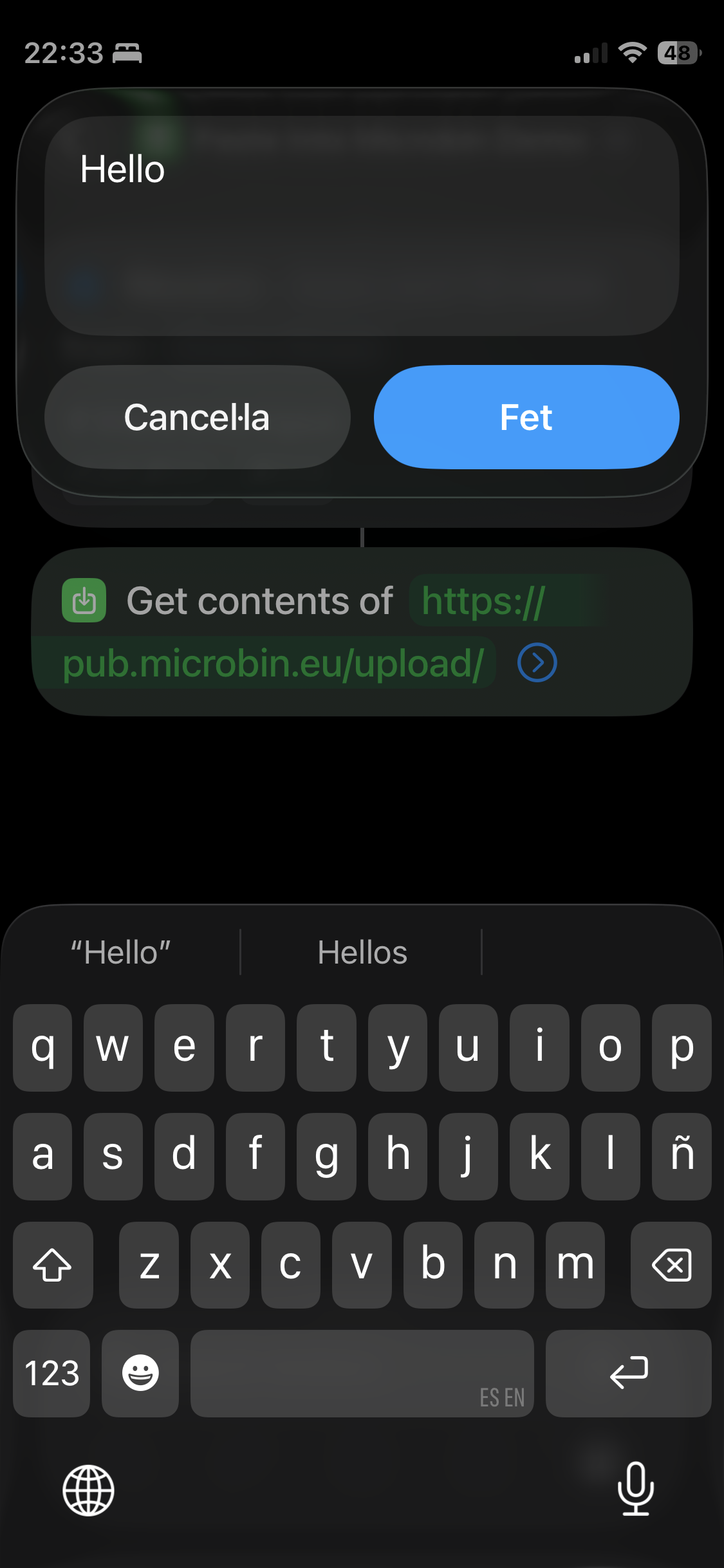
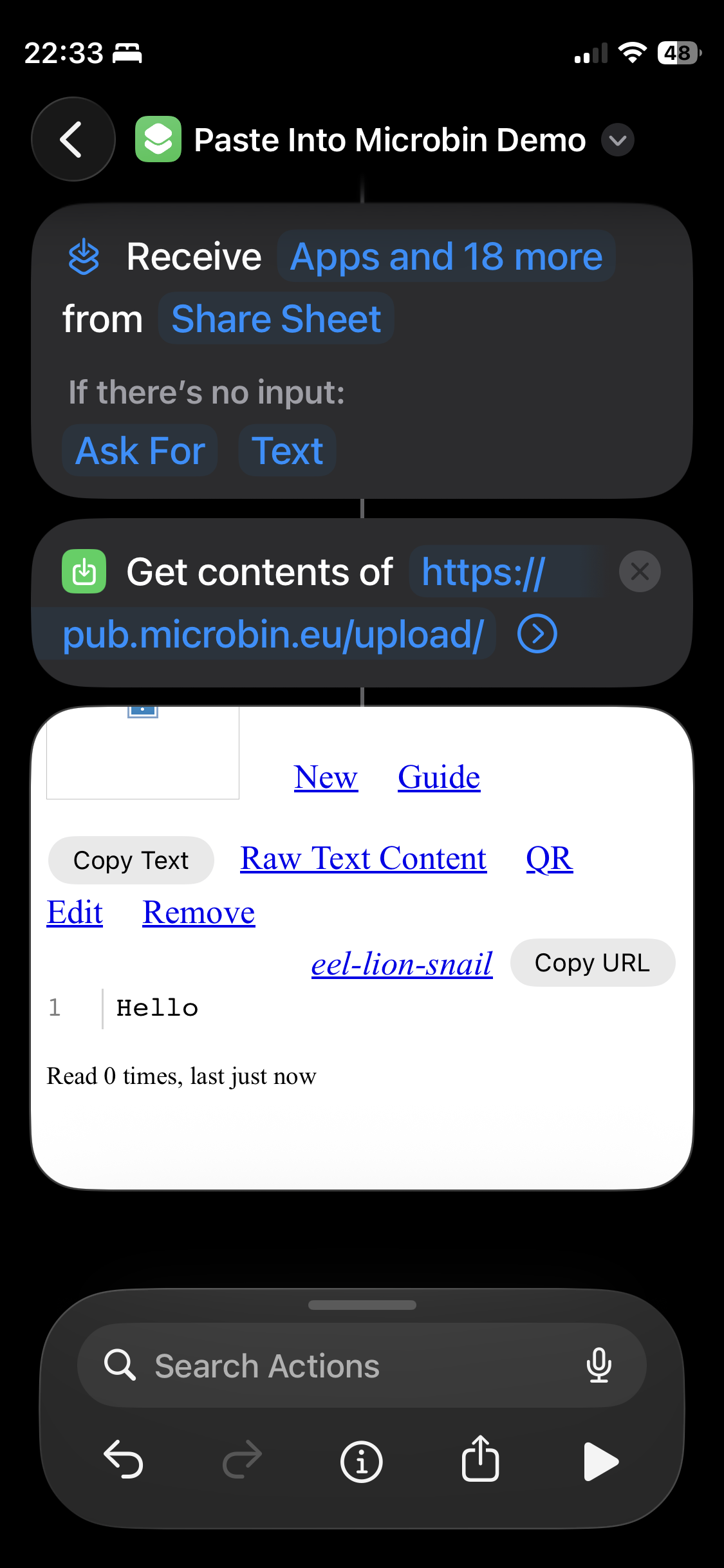
Upload files into microbin
A shortcut for file upload is configured in very similar way. I won’t describe it in detail but mention only notable changes:
- Duplicate the Paste into Microbin shortcut to not start from scratch.
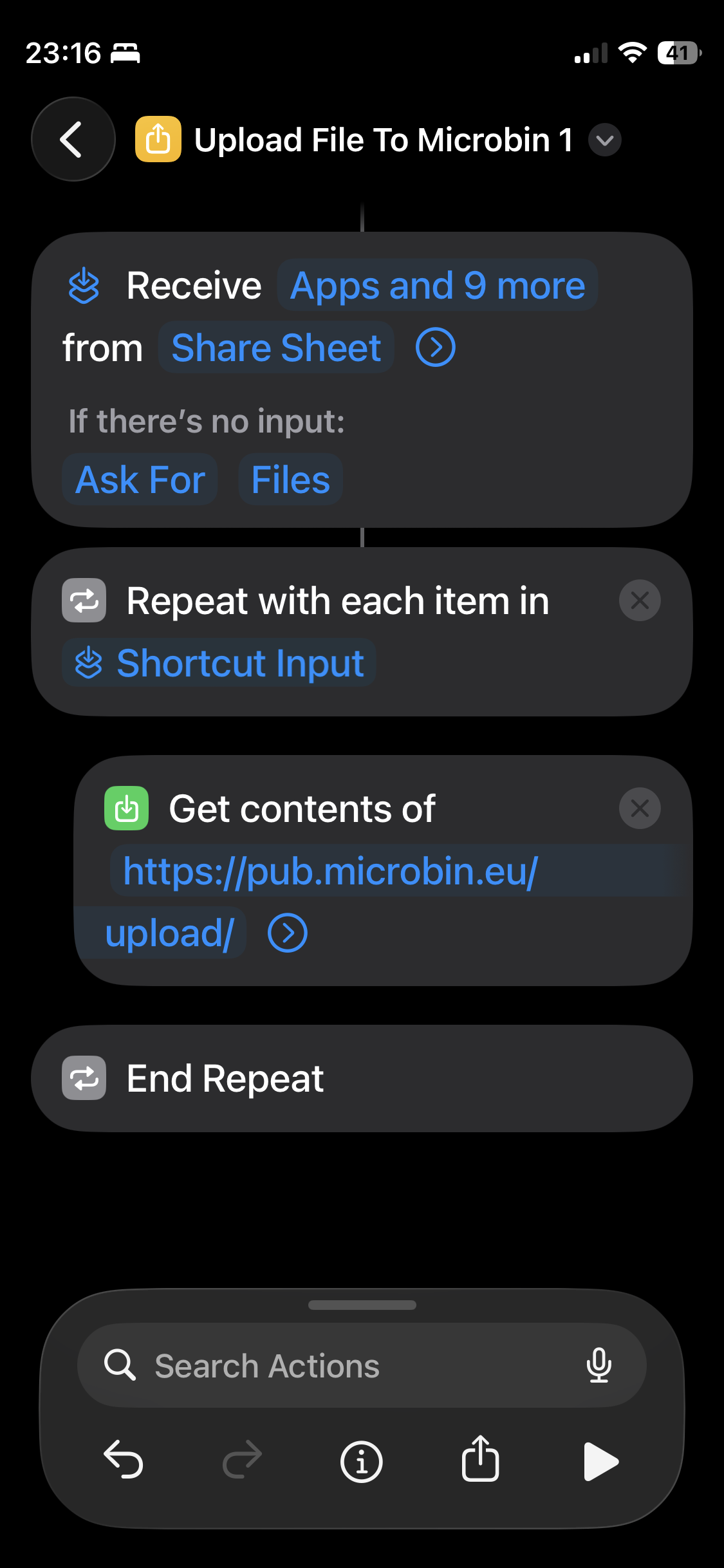
- In Receive action, select Files type and allow multiple files
- Add Repeat with each item action loop to iterate over Selected input
- In Get Contents of URL action everything stays the same, except content field - it gets renamed into file
 |
 |
|---|
Preview
 |
|---|
Summary
If you did everything from above and it did not work, or you don’t want to bother with configuring it at all. You can import my shortcuts in your device and override microbin url: